3D print proofing software
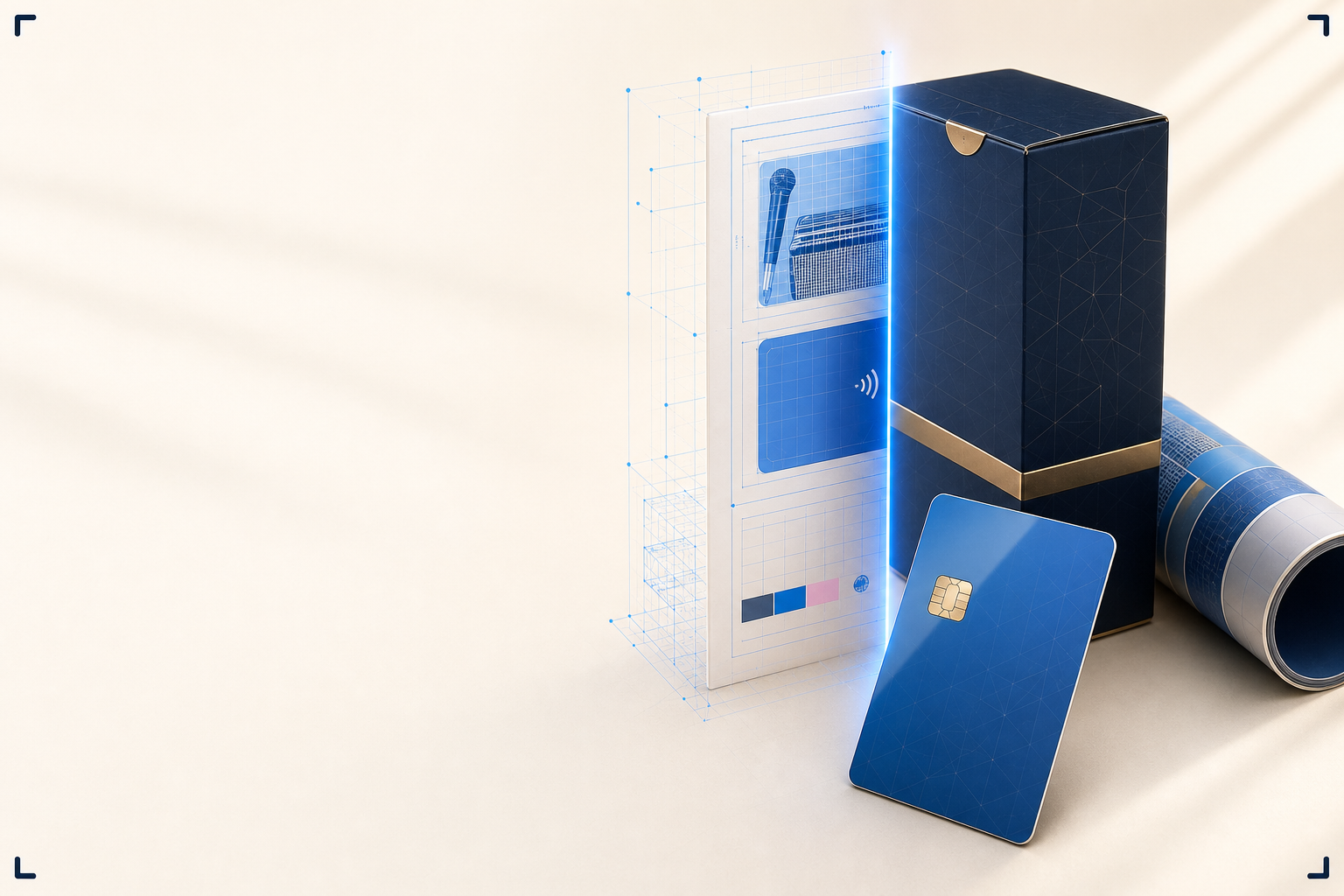
ProofScene turns a flat PDF proof into an interactive 3D model of the finished printed product, so your customer can rotate it, inspect every finish, and approve the real thing before you go to press.
Prove the product, not just the page
Everything a print shop needs to move a customer from "looks fine on the PDF" to "yes, that's exactly right", all through one link.
Real 3D of the real product
Your artwork is applied to a true-to-spec model with real dimensions, thickness, substrate and finish, not a flat image at an angle.
Rotate, zoom, inspect
Customers examine front, back, edges and finishes from any angle under realistic lighting, right in the browser.
Finishes you can see
Spot UV, foil, emboss, varnish, matte and gloss render the way they behave on the shelf, not as a swatch note.
Branded approval links
Send a clean link on your own subdomain, optionally password protected, next to the PDF you already send.
Documented sign-off
Capture who approved what and when, so production runs against what the customer actually agreed to.
Yours to host
Enterprise plans self-host on your own infrastructure with no ProofScene branding: artwork stays on your servers.
Four steps from proof sheet to sign-off
- 01
Upload the proof
Start from the flat PDF proof sheet you already produce.
- 02
Generate the 3D
ProofScene builds a spec-accurate 3D model with your artwork applied.
- 03
Share for approval
Send a branded, optionally protected link for the customer to review.
- 04
Print with confidence
Your customer signs off on the product they actually saw.
A clearer proof means fewer surprises
When a customer can turn the product over in their hand (even a virtual one), the questions a flat PDF leaves open get answered before the press runs. Placement, proportion, the way a foil catches the light, how a spot UV panel sits against matte lamination: these are the details that cause reprints when they are only imagined, and build trust when they are actually seen.
ProofScene was built inside a working print and card-manufacturing operation, from the proof-approval step that every order passes through. It is designed to slot into the process you already run, not replace it.
Also known as
Different trades, one job. Whatever your customers call it, this is the page for it.
3D print proofing, answered
Short, straight answers to the questions we are asked most. If yours is not here, ask.
Ask us anythingWhat is 3D print proofing software?
3D print proofing software turns a flat artwork proof into an interactive 3D model of the finished printed product. Instead of reviewing a PDF, the customer rotates a realistic model of the actual product (with materials and finishes in place) and approves it before printing.
How is a 3D print proof different from a PDF proof?
A PDF proof shows the artwork flat, on a page. A 3D print proof shows the artwork on the real product form (the card, box, label or garment), so placement, proportion, materials and finishing are all visible from every angle.
Does ProofScene replace my current proofing process?
No. It fits into it. You keep sending your proof sheet; ProofScene adds an interactive 3D version alongside it, so customers can approve with far more confidence.
Which products can be proofed in 3D?
Any printed product that ships as a flat proof today: packaging, labels, cards and credentials, promotional products, apparel, signage and large format, and commercial print.
Is a 3D proof a contract-color proof?
No. A 3D proof represents appearance, placement, materials and finishing so the customer can review artwork in context. It is not a calibrated contract-color proof unless your workflow includes formal color management.
When can I use ProofScene?
ProofScene is opening early access to print shops and product suppliers. Join the list and we will be in touch as onboarding opens.
Put your next proof in 3D
ProofScene is opening early access to print shops and product suppliers. Join the list and be first to turn your proof sheets into interactive 3D approvals.
No credit card · Built by print people · Launching soon