3D proof viewer
The viewer is what your customer actually experiences: their product, in the browser, turned over in their hands under real lighting, with no plugin, no download and no account.
Rotate, zoom and inspect on any device
The flat PDF proof
The live 3D proof

Drag to rotate · scroll to zoom · arrow keys supported
- Gold metallic contact chip
- Raised gloss UV over matte laminate
- True 0.80 mm PVC edge
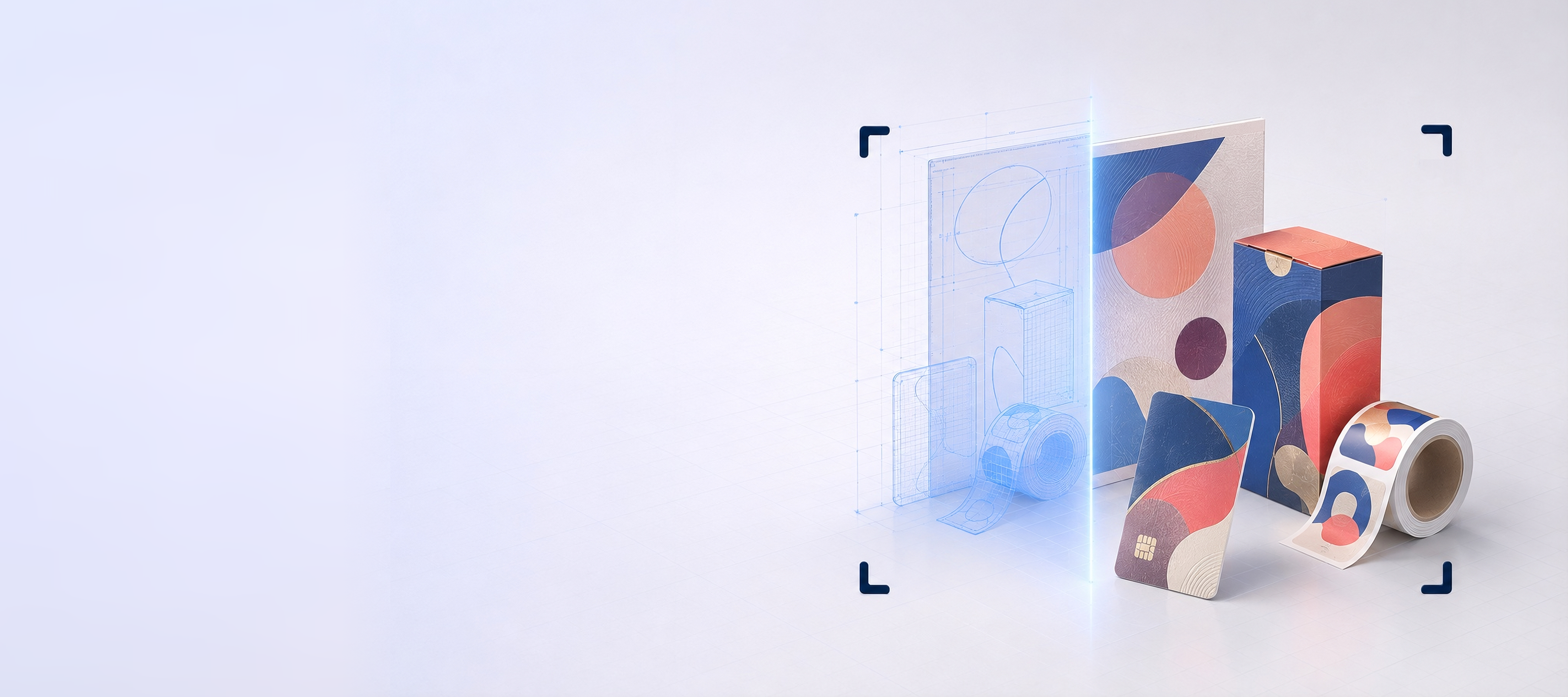
The same job both ways: the flat sheet you sign off today, and the finished card your customer turns over under real lighting.
Everything a reviewer needs, and nothing to learn
If a print buyer has to be taught how to use a proof, the proof has already failed. The viewer behaves the way people expect a 3D object on a screen to behave.
Rotate
Drag to orbit the product through a full turn. Back panel, base, spine, inside flap: nothing is hidden behind a fixed camera angle.
Zoom
Scroll or pinch in to read a barcode, a legal panel or 6pt ingredient copy. Artwork is applied at source resolution, so detail survives the zoom.
Pan
Push the product around the frame to inspect one corner closely without losing your position on the model.
Real lighting
The model sits in a physically-based lighting environment. Foil, gloss and spot UV behave as reflective surfaces rather than printed shapes.
Reset the view
One control returns to the default presentation angle, so a reviewer who has spun the model sideways is never stuck.
Keyboard accessible
The viewer can be operated without a mouse, with visible focus states, for reviewers who need or prefer keyboard control.
On whatever your customer happens to be holding
No plugin, no download
The viewer runs on the web platform your customer already has. There is nothing to install, nothing to update, and no IT approval to wait for.
Built for the phone first
Touch rotate, pinch zoom and two-finger pan, with controls sized for thumbs. Print buyers approve from cars, warehouses and airport lounges.
Sensible on a weak connection
Assets are optimized so a proof opens on a mobile network rather than timing out the way a 40 MB PDF does.
Honest by default
A proof viewer that only offers a flattering angle is a sales tool. This one is deliberately built so the reviewer can find the problem.
Why the viewer is deliberately plain
A proof viewer is not a showroom. Every extra control, animation and branded flourish is one more thing between a reviewer and the only question that matters: is this right? So the page is quiet. The product is large, the job specifications sit beside it in real text, and the approval action is unmistakable.
The lighting environment is fixed rather than adjustable for the same reason. A reviewer who can dial the lights until the foil looks spectacular is not reviewing a proof any more. One consistent, realistic environment means two people looking at the same link see the same product.
And the model can always be turned around. It would be easy (and commercially tempting) to present the best angle and leave it there. A proof that hides the back panel is worse than no proof, because it creates confidence that has not been earned.
Related
How the proof gets to your customer, and what it can show them.
The viewer represents appearance, placement, materials and finishing. It is not a calibrated contract-color proof unless a color-managed workflow is used: reviewers' screens vary, and the viewer does not pretend otherwise.
The 3D viewer, answered
Short, straight answers to the questions we are asked most. If yours is not here, ask.
Ask us anythingWhat is the ProofScene 3D proof viewer?
It is the page your customer opens when you send a proof link. It renders the finished product as an interactive 3D model (with your artwork, substrate and finishing applied), which they can rotate, zoom and pan in their browser before approving.
Does the customer need to install anything?
No. The viewer runs in a standard modern browser on desktop, tablet and phone. There is no plugin, no app and no account required to look at a proof.
Does it work on mobile?
Yes, and it is designed for it. Touch controls handle rotate, pinch zoom and pan, and the layout is built for a phone screen rather than shrunk onto one. A significant share of proof approvals happen away from a desk.
How detailed can the reviewer get?
Detailed enough to read small type and check a barcode position. Artwork is applied at source resolution rather than as a low-resolution preview, so zooming into a legal panel shows the actual copy that will print.
Can the viewer show finishing like foil and spot UV?
Yes. Because the lighting is physically based, embellishments are rendered as surface behavior (foil reflects, gloss varnish catches highlights, emboss casts a shadow) rather than being flagged with a note. See finish and material visualization for detail.
Is the viewer accessible?
The viewer supports keyboard operation and visible focus states, and the surrounding proof page uses real text for job specifications rather than baking them into an image, so they can be read by assistive technology.
Can colors on screen be trusted?
For placement, contrast and general appearance, yes. For color matching, no: every reviewer's display is different. The viewer represents appearance, placement, materials and finishing; it is not a calibrated contract-color proof unless a color-managed workflow is used.
Let your customer turn it over
ProofScene is opening early access to print shops and product suppliers. Join the list and be first to turn your proof sheets into interactive 3D approvals.
No credit card · Built by print people · Launching soon